

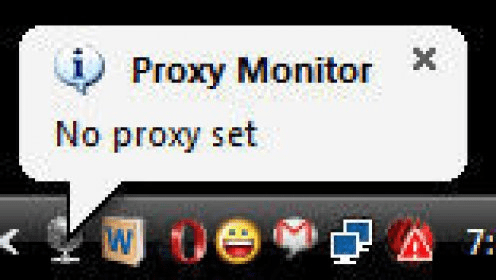
It happens many times that we connect our laptop to Internet using different proxy servers, for example one at our home, one at our office. Thus, to use Internet we have change the proxy servers each & everytime, which is a bit tiring job. To reduce this extra work there is a special plugin developed by Jelle Druyts that goes by the name of Internet Explorer Proxy Monitor. It is a small ulitity that auto detects the proxy servers you are using to access the Internet. It is a regular application that can be used right from the taskbar. As soon as the application is started, a icon is seen in the taskbar, when you click it, it shows a menu with some settings. Suppose you are accessing Internet from your home, then you can set the proxy setting to 'Home' & similarly you can set it to 'Work' if you accessing Internet from your office. It is as simple as that. One of the features of thIs software is that it will automatically re-detect the proxy server when the computer’s network address has changed. The application can also be run from the command-line.












Comments